Contact us today to learn more about how AutoCAD can improve your design projects.
Article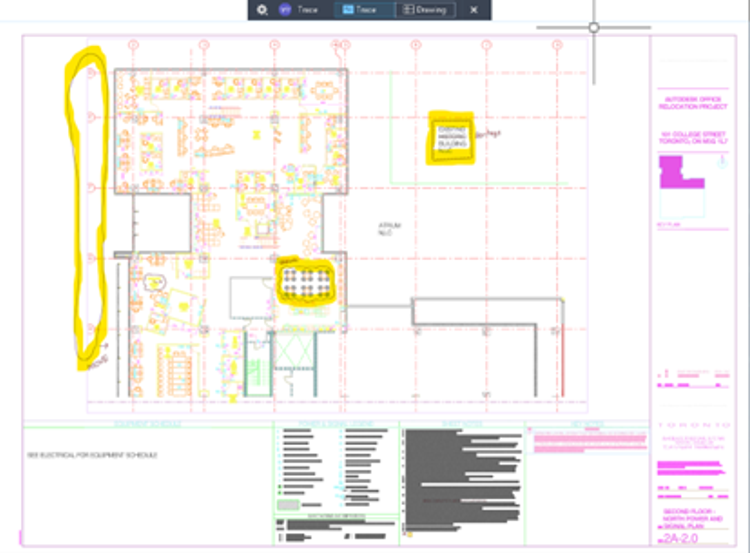
![Marcel van Oosterom]()
AutoCAD 2026: Markup Import and Markup Assist
With over three decades of evolution in computer-aided design (CAD), AutoCAD 2026 continues to impress with new enhancements that boost efficiency and empower users. The latest version now integrates flawlessly with Autodesk Construction Cloud, specifically Autodesk Docs.
In our previous blog, we discussed the benefits of Connected Support Files in Autodesk Docs 2026, which enhance project collaboration by linking support files directly to their respective projects. To improve the design review process for AutoCAD files, Autodesk has introduced the Markup Import and Markup Assist tools, allowing users to view markups directly in the drawing environment for easier modifications.
Enhanced Markup Import & Markup Assist
Autodesk has taken strides in making the design review process smoother and more intuitive through enhancements to the Markup Import and Markup Assist tools. Let’s explore how these features can transform the way you work with drawings.
Effortless importing of redlines and comments
Gone are the days of manually transcribing feedback from PDF or image files like JPGs and PNGs. With the powerful Markup Import and Markup Assist functionalities, users can now easily extract redlines and comments, allowing uninterrupted flow from feedback to implementation.
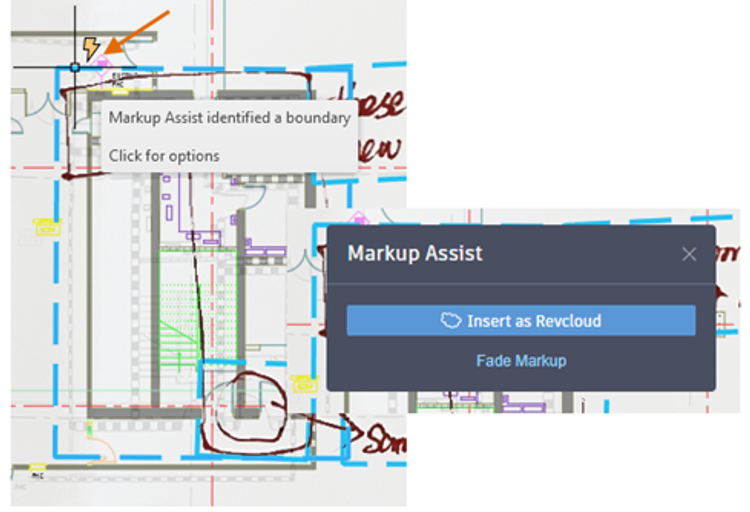
These tools leverage machine learning to intelligently identify markups, making it simple to view and incorporate drawing revisions. Once imported, the Markup Assist feature can recognise handwritten or application-generated notes on drawings, converting them into active elements within your design file.
Interactive commands at your fingertips
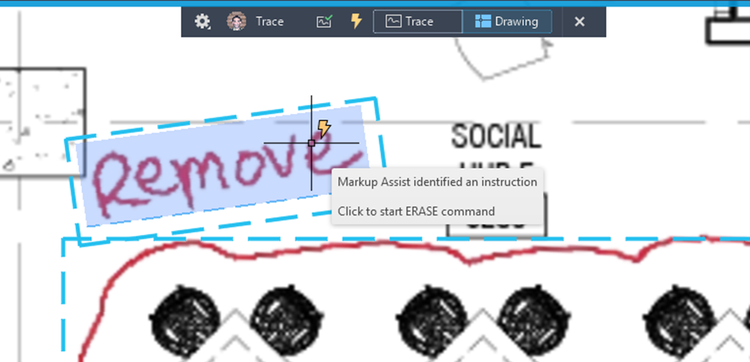
An exciting feature of Markup Assist is its ability to detect specific instructions embedded within markup text. Commands like “MOVE,” “COPY,” or “DELETE” can be directly accessed. When Markup Assist identifies an instruction, a simple click activates the corresponding command, reducing manual effort and errors during the revision process.
Enhanced collaboration with Autodesk Docs integration
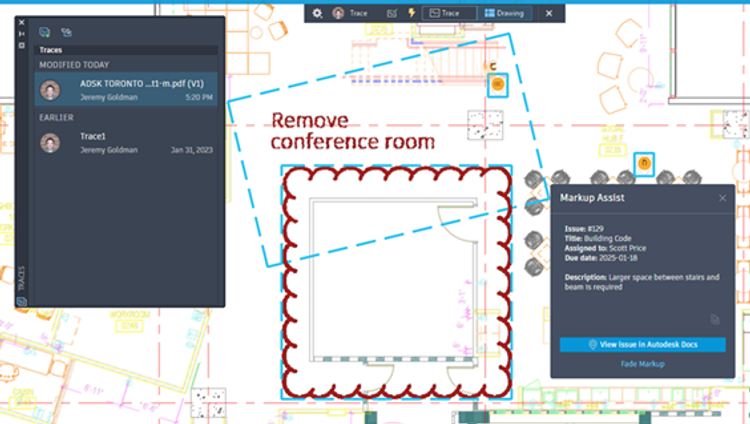
Autodesk has also enhanced collaboration by enabling users to view issues and markups created in Autodesk Docs directly within the AutoCAD Trace environment. This continuous connection means that as updates and revisions occur in your PDF markup file, all collaborators can see those changes in real-time in AutoCAD.
With the Markup Assist feature, you can access and review these issues from within AutoCAD, eliminating the need to switch between applications. Once your drawings are synced, the trace palette will display previously accessed files along with the current status of any updated issues in Autodesk Docs, ensuring that you’re always on the same page with your team.
Improving your design review process
The enhancements to the Markup Import and Markup Assist tools mark a significant leap forward in automating and improving the design review process. By incorporating detailed feedback directly into AutoCAD drawings without constant application switching, drafters can more easily visualise and implement revisions.

Author